
English sample clip
English source video from the approved sample.
ROMANIAN VIDEO TRANSLATOR
Prepare a product, training, or support video for Romanian-speaking viewers. The workspace checks the uploaded audio instead of treating a page visit as proof of the source language; review names, labels, units, dates, and subtitle timing before export.
MP4, MOV, and WebM up to 1 GB. Standard translation supports videos up to 8 minutes 20 seconds.
HOW TO TRANSLATE VIDEO TO ROMANIAN
The goal is not only to replace words. It is to prepare a Romanian version that makes sense for the people who will watch it.
01
Add an MP4, MOV, or WebM file. The workspace checks the spoken audio from the uploaded video instead of relying on this page to decide its source language.
02
Choose Romanian as the output language for the viewers who need the localized version.
03
Check names, product labels, account terms, measurements, dates, and visible references against the original video.
04
Generate Romanian subtitles and translated audio after reviewing the text and timing.
A PRACTICAL USE CASE
A support video may start in a different spoken language but still contain product labels, account terms, measurements, dates, and visible actions that Romanian viewers need to follow. Review the detected transcript and localized wording before you publish.
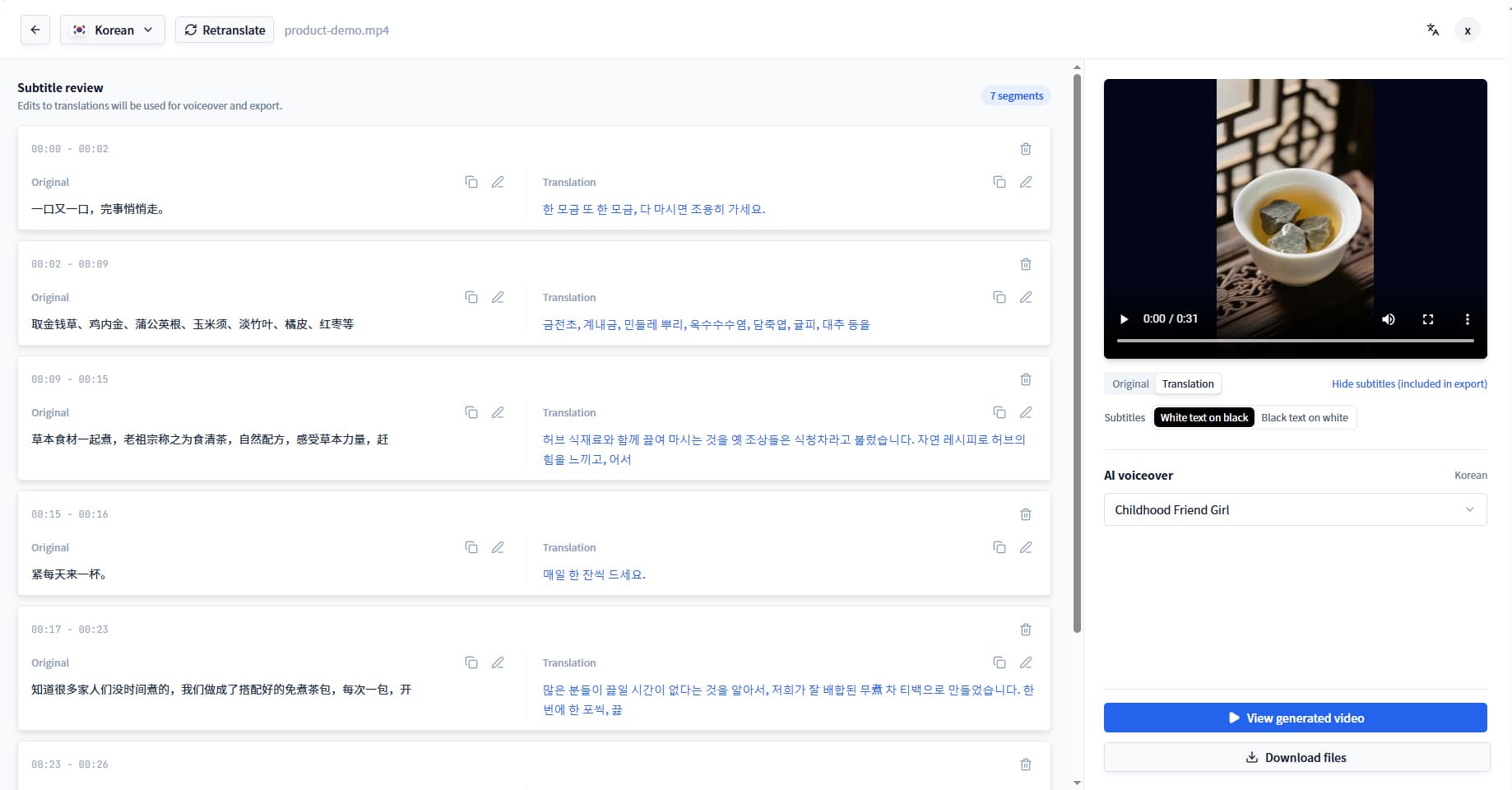
RESULT COMPARISON
This approved example uses an English source clip and its Romanian version. Your uploaded video can use another supported source language.
English source video from the approved sample.
Romanian version of the same approved sample.
Same-content bilingual comparison
This example uses English as its source. When you upload your own video, the workspace checks its spoken audio before creating a Romanian version.
REVIEW BEFORE EXPORT
Use these checks while you review the translated text and subtitles. They are decisions for the person publishing the video, not automatic language rules.
The uploaded recording, rather than the URL, determines the source audio that needs to be transcribed and reviewed.
Review step: Check the detected transcript after upload and correct the source selection when the recording does not match it.
Support viewers need localized wording that still connects to the buttons, settings, and documents they use.
Review step: Confirm important labels and recurring terms in the translated transcript before export.
Practical information should agree with the actions and information viewers can see on screen.
Review step: Compare these details with the original walkthrough during subtitle review.
Readable subtitle timing helps viewers follow a screen demonstration or spoken instruction without missing the next step.
Review step: Play the localized version with subtitles visible and revise dense or late lines before publishing.
Standard dubbing works well for tutorials, product demos, screen recordings, and videos where the speaker is not continuously on camera. It translates the speech without changing the original visual content or lip movements.
Learn about AI video dubbingFor interviews, presentations, and talking-head video, lip sync can align visible speech with the new language. Review both the translated wording and the video delivery before publishing.
Learn about lip sync translationRELATED WORKFLOWS
FILES, LIMITS, AND OUTPUTS
MP4, MOV, or WebM up to 1 GB per file.
Videos up to 8 minutes 20 seconds.
Videos up to 8 minutes.
Localized video plus subtitle and content exports including SRT and VTT.
VIDEO TO ROMANIAN FAQ
No. The workspace checks the spoken audio in the uploaded video. Review the detected transcript and adjust the source selection when needed before translation.
Review detected speech, product labels, account terms, measurements, dates, visible references, and Romanian subtitle timing before export.
This page is for preparing a Romanian output. The uploaded audio determines the source that the workspace needs to process and review.
Yes. Review the localized text and timing against the uploaded source video before creating the final export.
You can upload MP4, MOV, and WebM video files up to 1 GB.
Video processing uses credits. Review the estimated charge in the product before processing begins, and see pricing for the available plans and credit options.
Start the project, review the translation, and export when it is ready to share.