PRODUCT POSTER
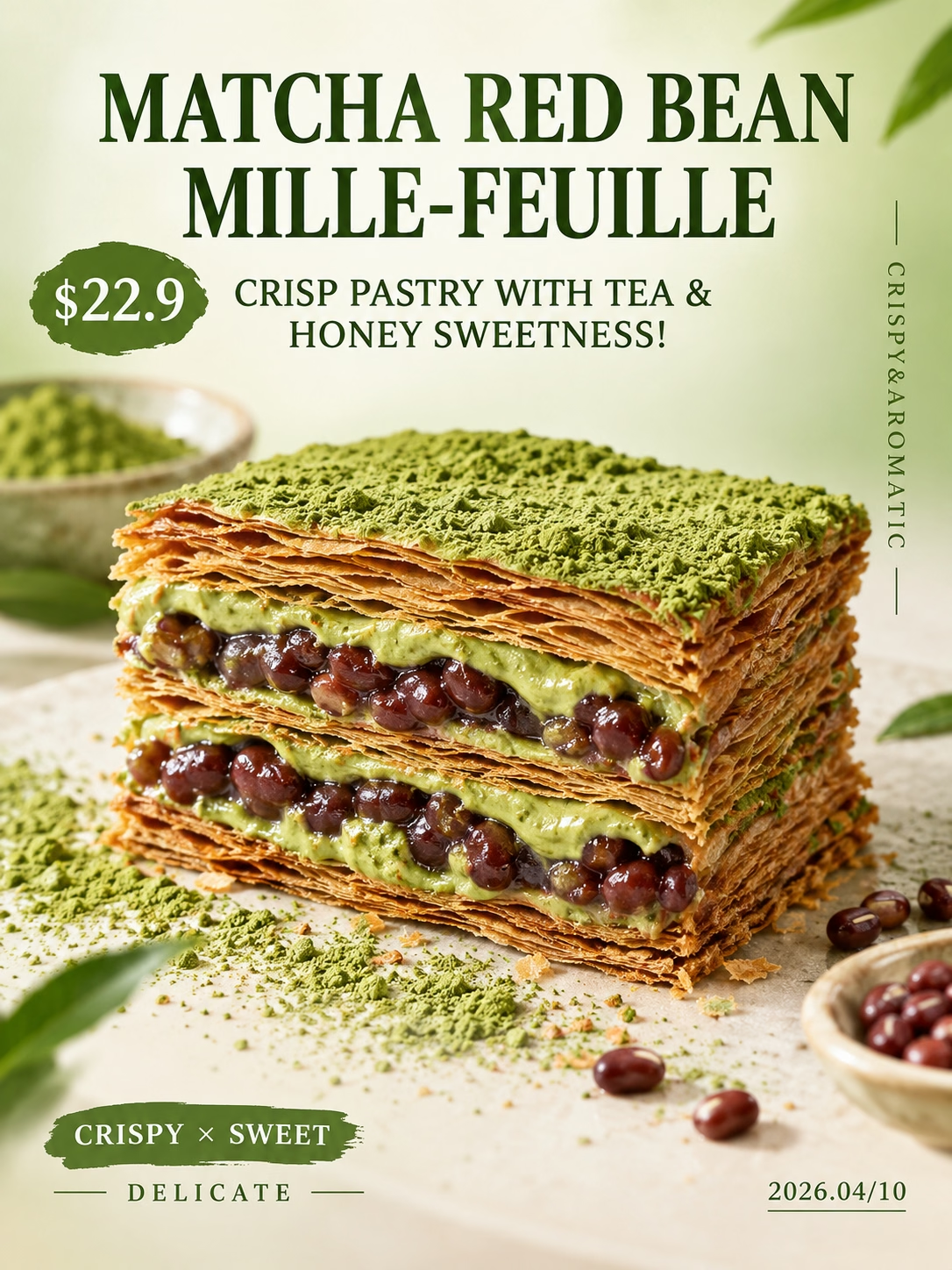
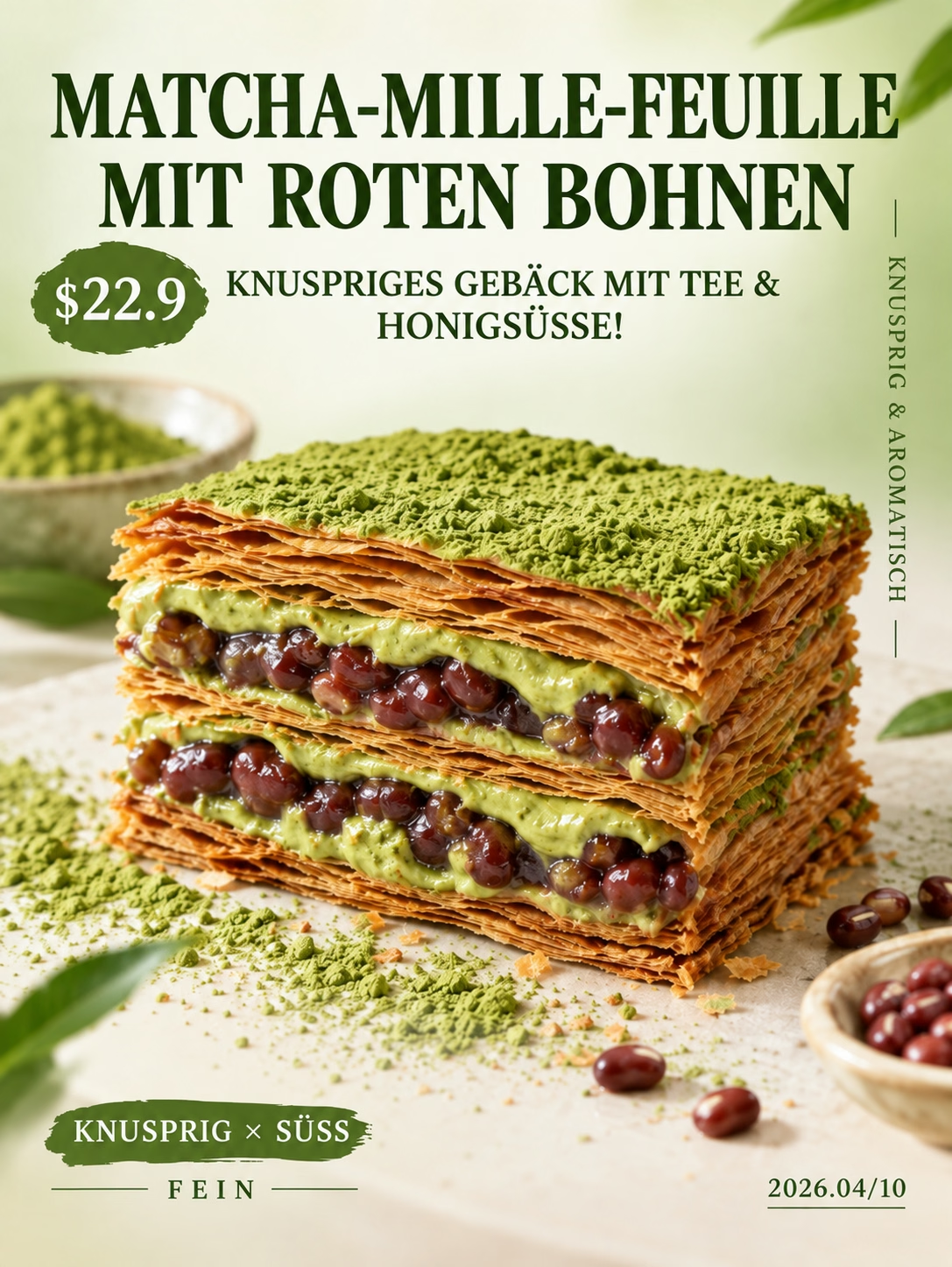
One product poster, three market-ready versions.
Start with the English original, then prepare reviewable Thai and Indonesian versions for the next audience.
AI IMAGE TRANSLATOR
Upload a poster, product image, screenshot, or ad. Choose a target language and create a translated version while keeping the original visual content and layout as close as possible.
PNG, JPG, and WebP up to 20 MB. Review the result before you use it.
Upload a poster, product image, screenshot, or ad. Choose a target language and create a translated version while keeping the original visual content and layout as close as possible.
See how it works
Translate image
AI aims to preserve the layout. Check small text, brand names, and dense layouts.
By default, text on products, logos, books, and screens stays unchanged. Turn this on to translate non-brand text on books, packaging, labels, and screens.
Text in less common languages or complex layouts may not be recognized perfectly. Review every detail before use.
AI aims to preserve the layout. Check small text, brand names, and dense layouts.
Bring in a poster, product creative, ad, or screenshot that is already on-brand.
Select the target language for the version you want to review.
Get translated copy back inside a visual that stays close to the original layout.
REAL TRANSLATION EXAMPLES
Each example is shown at a readable size so you can inspect how the translated versions preserve the original content, layout, and visual identity.
PRODUCT POSTER
Start with the English original, then prepare reviewable Thai and Indonesian versions for the next audience.
INFORMATION GRAPHIC
Start with a Chinese explainer and see how English and Arabic versions preserve structure across labels, maps, and legends.
EDUCATIONAL POSTER
Place the Dutch original beside its Korean version and keep a complex lesson readable for young learners.
Actual results can vary with small, decorative, or densely packed text. Review names, prices, line breaks, and legal copy before publishing.
WHY TRANSLATE IMAGE
A new audience needs more than a list of translated words. They need a version of the visual they can understand at a glance.
Translate visible copy inside the image instead of separating it from the design.
Preserve the original visual content, composition, color, and text placement as closely as possible.
Download the result when it looks ready, or generate another version to review.
Upload a supported image, choose a language, and create a localized draft from the asset you already have.
HOW IT WORKS
One action at a time, from the image you already have to a new version ready to review.
Choose one PNG, JPG, or WebP image up to 20 MB.
Pick the language for the version you want to create.
Check the translated visual, download the PNG, or generate another version.
USE CASES
Use the campaign, product, support, or event visual you already have. Create a version that is easier for a new audience to understand.
Prepare product graphics, promotional labels, and size information for another market without rebuilding the visual from scratch.
Adapt headlines, calls to action, and promotional copy while keeping the original campaign idea recognizable.
Make app screens, tutorials, and help-center visuals easier to follow in another language.
Create a new-language version of event posters, menu images, notices, and information graphics.
REVIEW BEFORE YOU PUBLISH
Poster text can be small, decorative, tightly packed, or tied to a price or brand name. Review the finished visual before you share, print, or publish it.
Some words should stay unchanged or follow your own brand rules.
These details need a human check before they are shown to customers.
Dense layouts can need closer inspection.
Make sure the message still asks the new audience to take the right next step.
Here is what to know about the workflow before you start.
Translate Image is an AI image translator that replaces visible text in an uploaded image with text in a target language.
You can upload PNG, JPG, or WebP images up to 20 MB, including posters, product images, screenshots, and ads.
The tool is instructed to preserve the original visual content, composition, colors, text placement, and layout as closely as possible. Check the result before publishing, especially when text is small or dense.
Choose from the target languages shown in the language selector. The available list may change as language support evolves.
The current tool lets you review, download, or generate another result. It does not include an in-image text editor yet.
When the translation is ready, you can download the result as a PNG.
Upload the image you already use, choose a target language, and create a translated version to review.